.svg)
View all resources
Journalistic impact
Your website is often your audience’s first digital impression of your publication. Here’s how to ensure that your website looks professional and polished each semester.
February 23, 2026
Lorem ipsum dolor sit amet, consectetur adipiscing elit. Suspendisse varius enim in eros elementum tristique. Duis cursus, mi quis viverra ornare, eros dolor interdum nulla, ut commodo diam libero vitae erat. Aenean faucibus nibh et justo cursus id rutrum lorem imperdiet. Nunc ut sem vitae risus tristique posuere.

It is best practice to conduct an audit of your website each semester. This guide will explore common website mistakes and high-impact, low-effort steps you can take to ensure your website is optimized each semester.
Don't assume readers know where to go once they land on your home page. When you look at your home page, make sure that…
It shouldn’t take the reader more than a few seconds to find what they are looking for.
This page helps a reader orient themselves, and can also include your staff page and contact information. If a reader wants to contact you, it should be easy to find out how.
Your reader should be able to understand what you are asking of them through your calls-to-action. These calls-to-action could be asking your reader to sign up for your newsletter, to donate, or to sign up for an event. These should be at the top of the page.
Ads can cause your page to feel overwhelming if there are too many, especially if the spots are competing for attention. The best rule of thumb is to have three to five advertising spaces and stick to those.
An outdated “About” page signals to readers that your publication might be defunct. On your “About Us” page, make sure that you are updating your…
Make sure that the current academic year is reflected and that each staff member has a headshot and a bio.
Make sure that your methods of contact are current and work properly. Test your contact methods — make sure voicemails aren't full and emails don't bounce.
Your value proposition won’t need frequent updates, but it should be there — what do you uniquely offer readers, that they can’t get anywhere else? Make sure that your value proposition is clear and concise at the top of the page.
Your advertising page should include all of the information that an advertiser needs to know if they want to partner with your publication. On your advertising page, make sure that you have your…
We recommend embedding your media kit as a PDF onto your advertising page, rather than including the information in text form. Too much text can be overwhelming. We also recommend avoiding language like “email us for the media kit.” Not only is this more work on your team, but prospective clients in an exploratory phase are less likely to take this action — losing you an opportunity to make a sale.
Your ad policy should always be in your media kit, but it should also be on your advertising page. This can be posted below the media kit.
Your advertising contact information should be updated on the advertising page. Make sure that you are including the sales team’s name, email, and phone number.
You want to keep the reader engaged on your site. Linking to external sources is sometimes necessary, but you want to link to internal articles first. There are many reasons why internal linking is beneficial. One, it reduces bounce rate — readers can click into a story to learn more about a specific topic if it’s linked to a keyword they’re interested in. Two, it's good for SEO — these links help bring more of your content to light in search engines, which will also, over time, increase traffic.
Block off some time to review each story and make sure that there are three to four internal links. One efficient method: Open Google, search “[your publication name]” + “keyword” and identify the top or most recent two to three stories that pop up. Link to those.
Focus editorial attention on stories that only your publication can write. Think: “Does the story affect my audience in a specific way?” or “is this something my audience couldn’t find out anywhere else?” If you are finding most of your stories are generic, like TV show and album reviews, take those two questions above to your next editorial meeting.
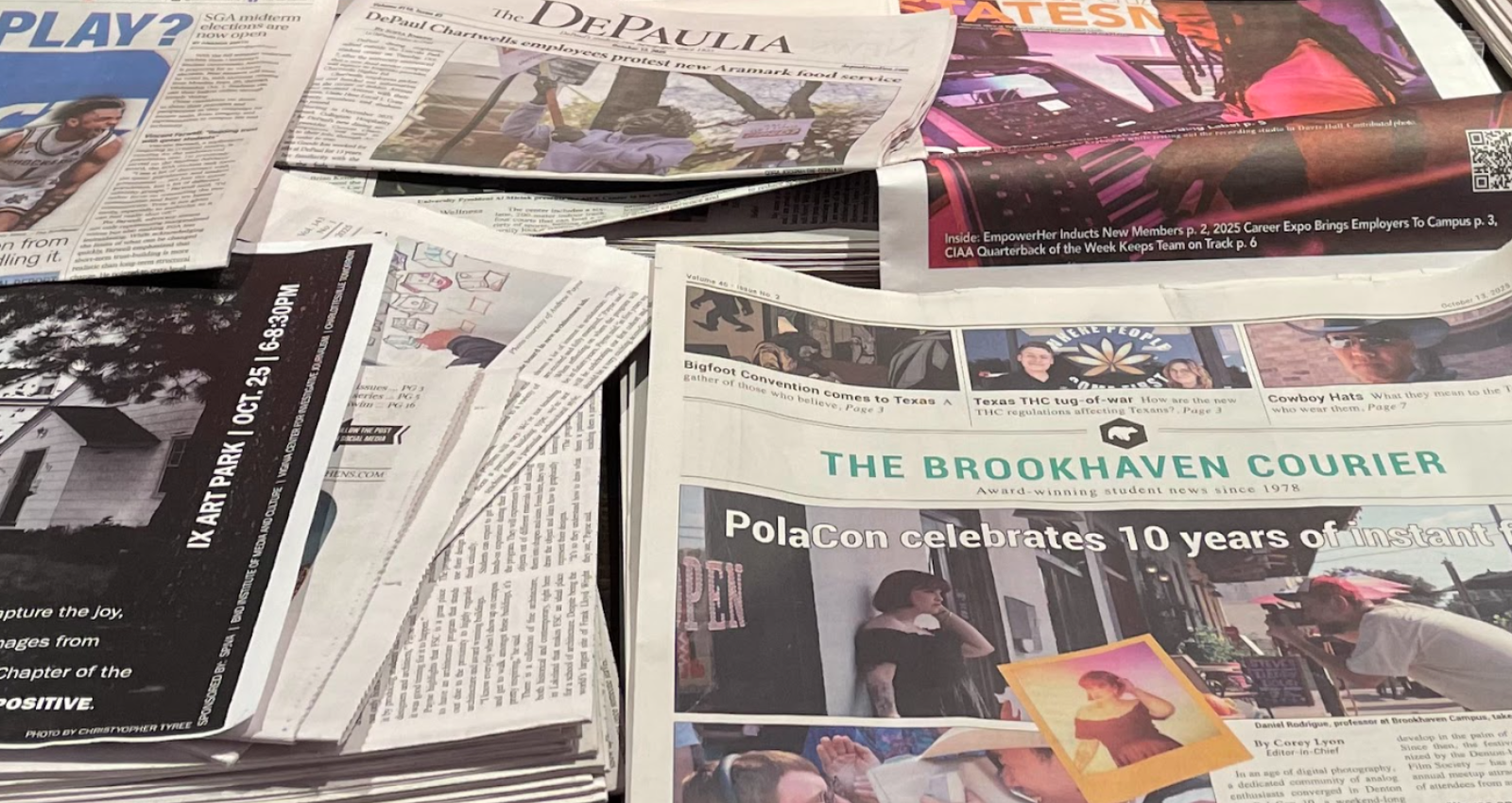
The photo attached to the story can say a lot. It is one of the first things readers see before clicking into a story, and the photos show up on search and social media. If your team uses illustrations and stock photos more frequently, push for your team to snap photos of real events, real people, real environments, etc. People want to see their peers and places they are familiar with. You could even keep a file of photos that are from around your own campus to use when you don’t have something fresh.
Make it a recurring practice to conduct your website audit each semester by blocking off time on your calendar. If you are looking for more guidance or are ready to take the next step with your website, the flytedesk team is here to help. Reach out to your account manager to learn more.

On this page
Headings

Our team can help you apply these insights, explore additional resources, or workshop strategies for your campus media.
.png)

%202.svg)